Skip to content Download APK Free beta for Fire TV, Android TV and Android · no account

Your Stremio addons on the TV

Skip the setup.Type a code.Press play.

Linkstreams puts your Stremio addons on the TV without an account. Your whole setup is one short code: type it with the remote and your addons are there.

Someone sets it up once. Everyone else types 8 characters.

  • No account
  • One code, every TV
  • Plays torrents, debrid optional
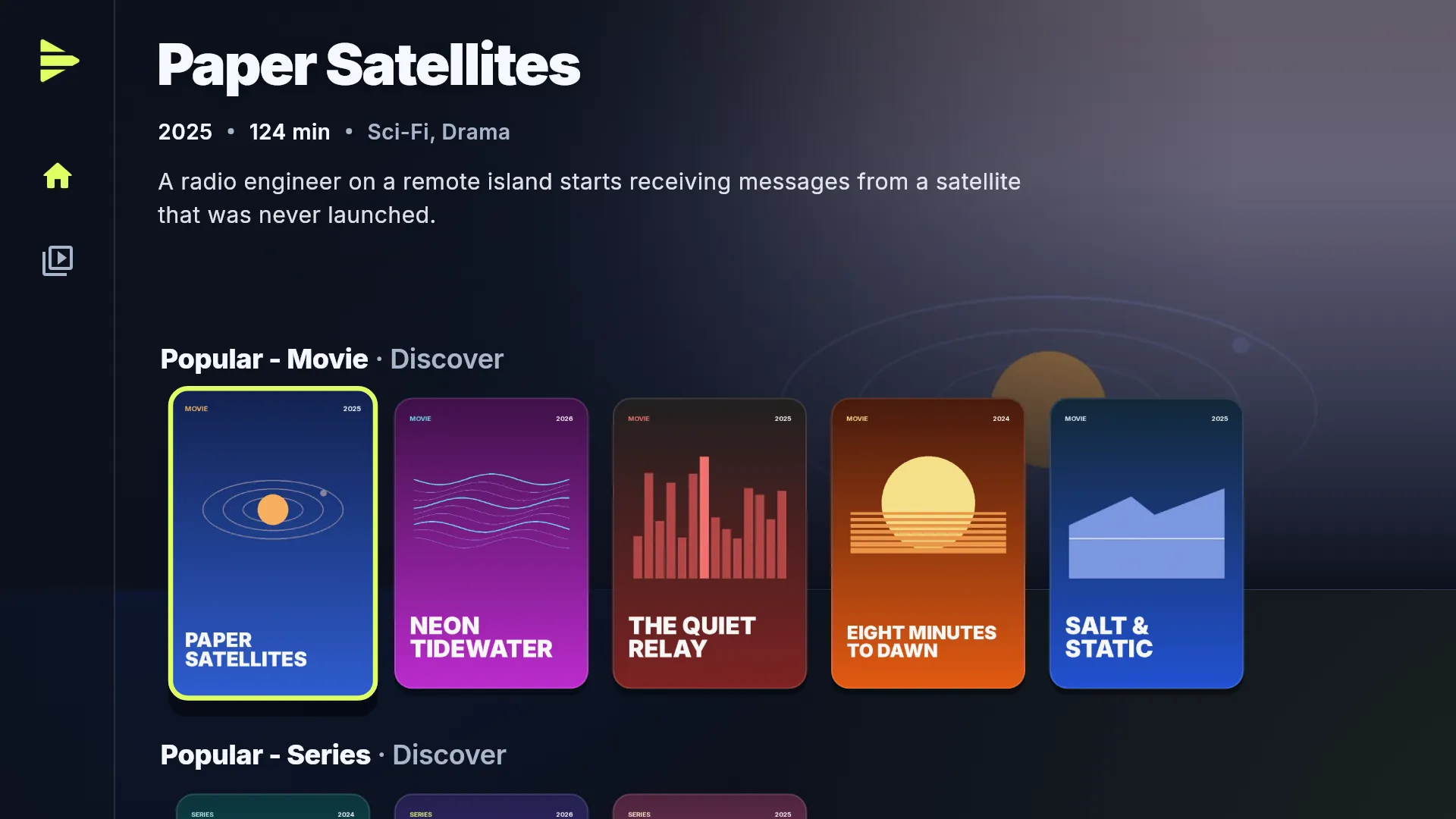
The Linkstreams board: the focused title's name, year and description above a shelf of posters.

A live demo of the TV app with made-up titles. Use the remote, or click the screen and steer with your arrow keys, Enter and Backspace.

Get started

Three steps.
No account.

Linkstreams starts empty: your addons come with a code. Got one? Start here. Need one? Make it first, in your browser.

I have a code

  1. 01

    Install the app.

    Linkstreams is a free beta. It installs from its own download page, not from an app store. Pick your device:

    Fire TV

    Get the free Downloader app from the Amazon Appstore and allow it to install unknown apps under Settings → My Fire TV → Developer options. Then open Downloader, type apk.linkstreams.app, press Go and choose Install when it's done.

    Open the download page
    More details
    • No Developer options on Fire TV? Open About in the same menu and click your device's name seven times. Older Fire OS calls the switch Apps from Unknown Sources.
    • First launch. Linkstreams shows a short disclaimer. Accept it and you land on an empty start screen: your addons come with the code.
    • Afterwards. Switch “unknown apps” off again; you only needed it for the install. New beta versions install the same way, right over the old one, and your collections stay.
    • It won't install? See Setup problems.
  2. 02

    Type the code.

    Press Add addon config, type the code on the app's remote keyboard, press Done, then Add collection. Capitals count: AbC12xyz is not abc12xyz.

    More details
    • What the field takes. The bare code, the paste's address https://pastebin.com/AbC12xyz or its raw address. On a phone, pasting the link is quickest.
    • Before it is added. Linkstreams shows the collection's title, description and addons first. Change code or Back takes you back to fix a typo; a code that cannot be read says why.
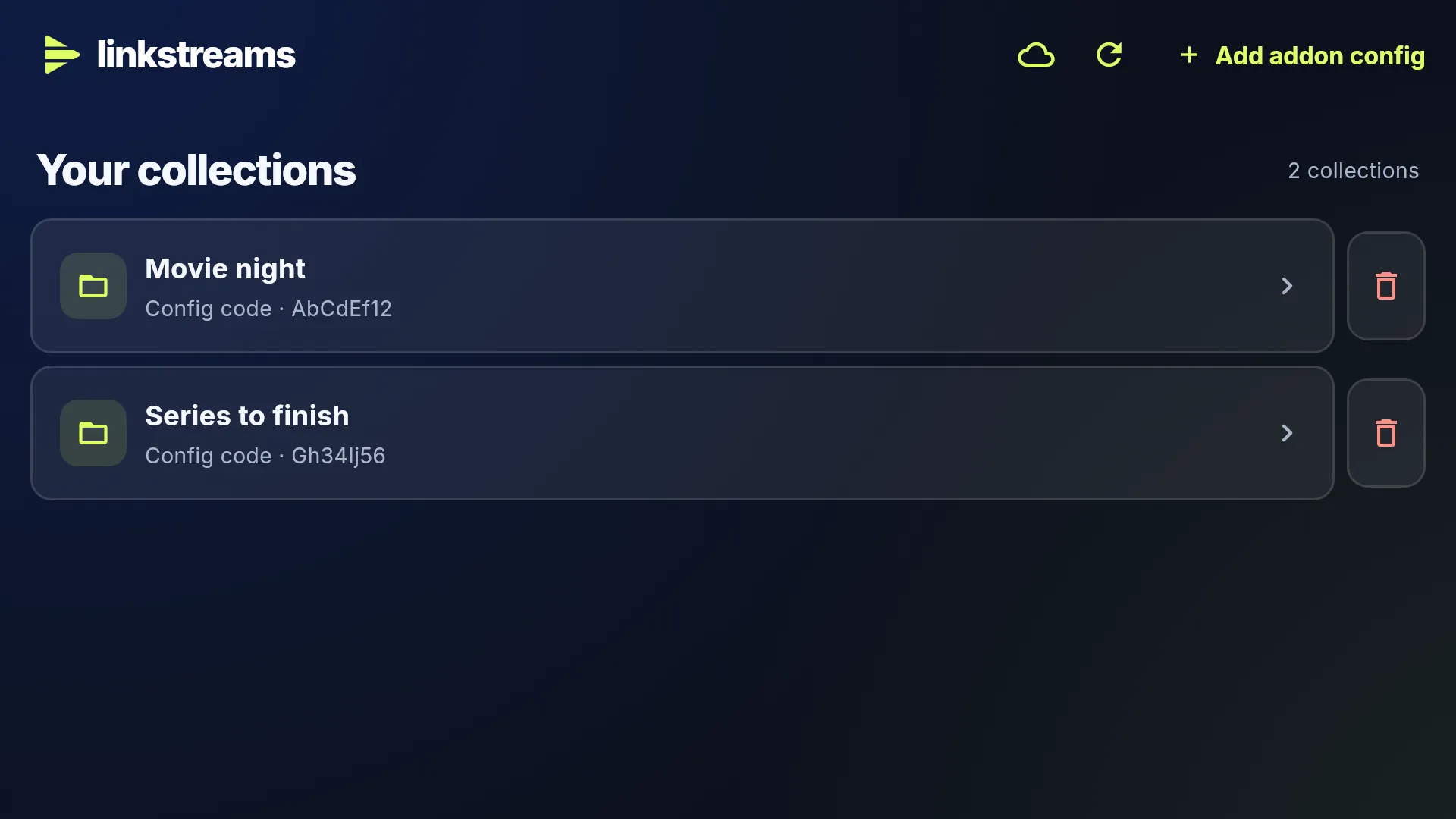
    • Later. Your collections lists every code you added, with Add addon config at the top. The one you opened last opens by itself when you start the app.
  3. 03

    Press play.

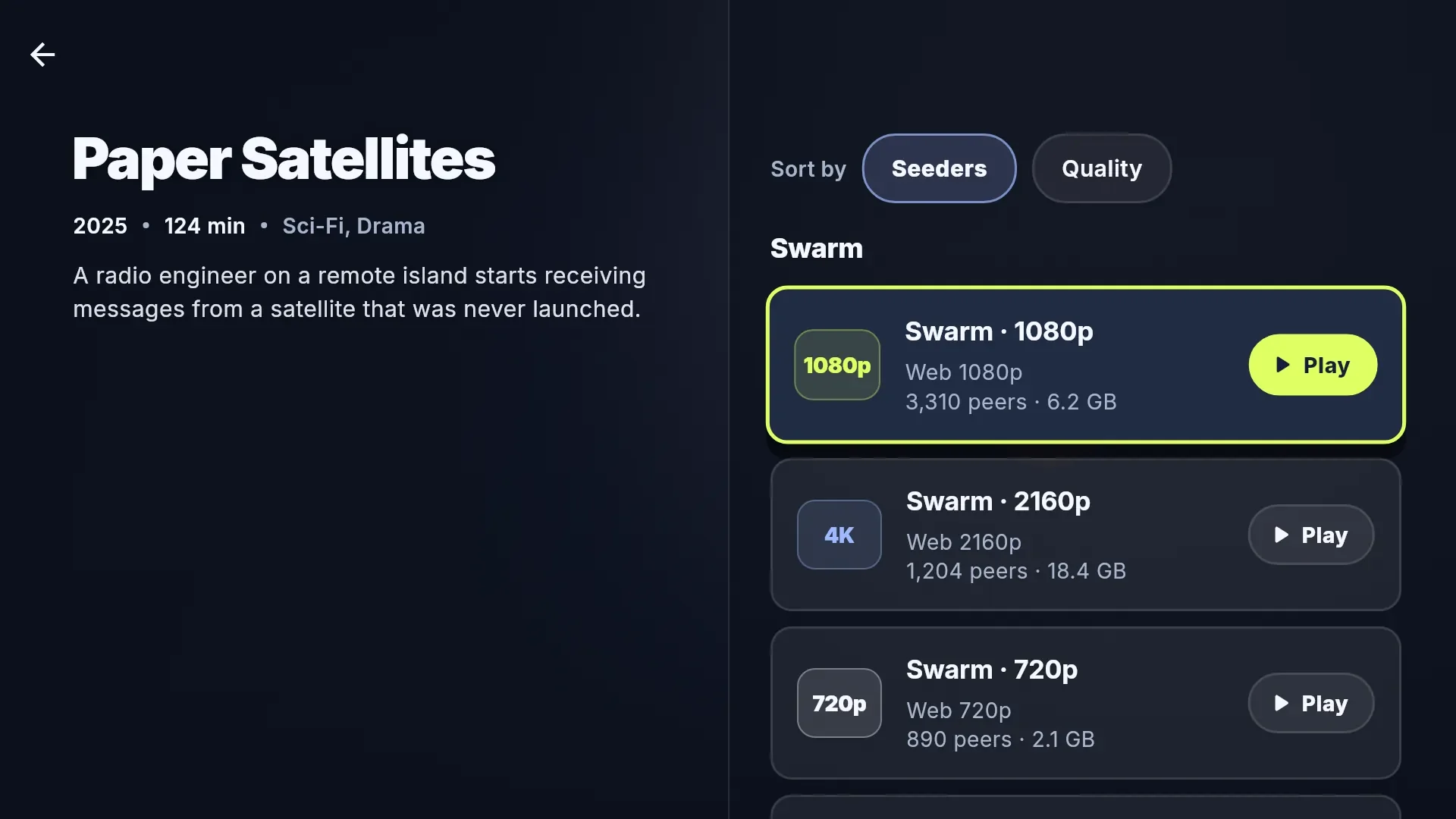
    Pick a title, then a stream. Sort the streams by Seeders: more seeders usually means a quicker start. Stopped halfway? Next time you get Resume. A stream won't start? The player offers Try another stream.

    More details
    • Finding something. Home shows your addons' catalogs as shelves, Discover browses them by genre, and Search asks every addon that can search.
    • Picking a stream. Streams from all your addons come in one list, each torrent once. Sort by Seeders or Quality; one stream is recommended and takes the focus, so one press starts it.
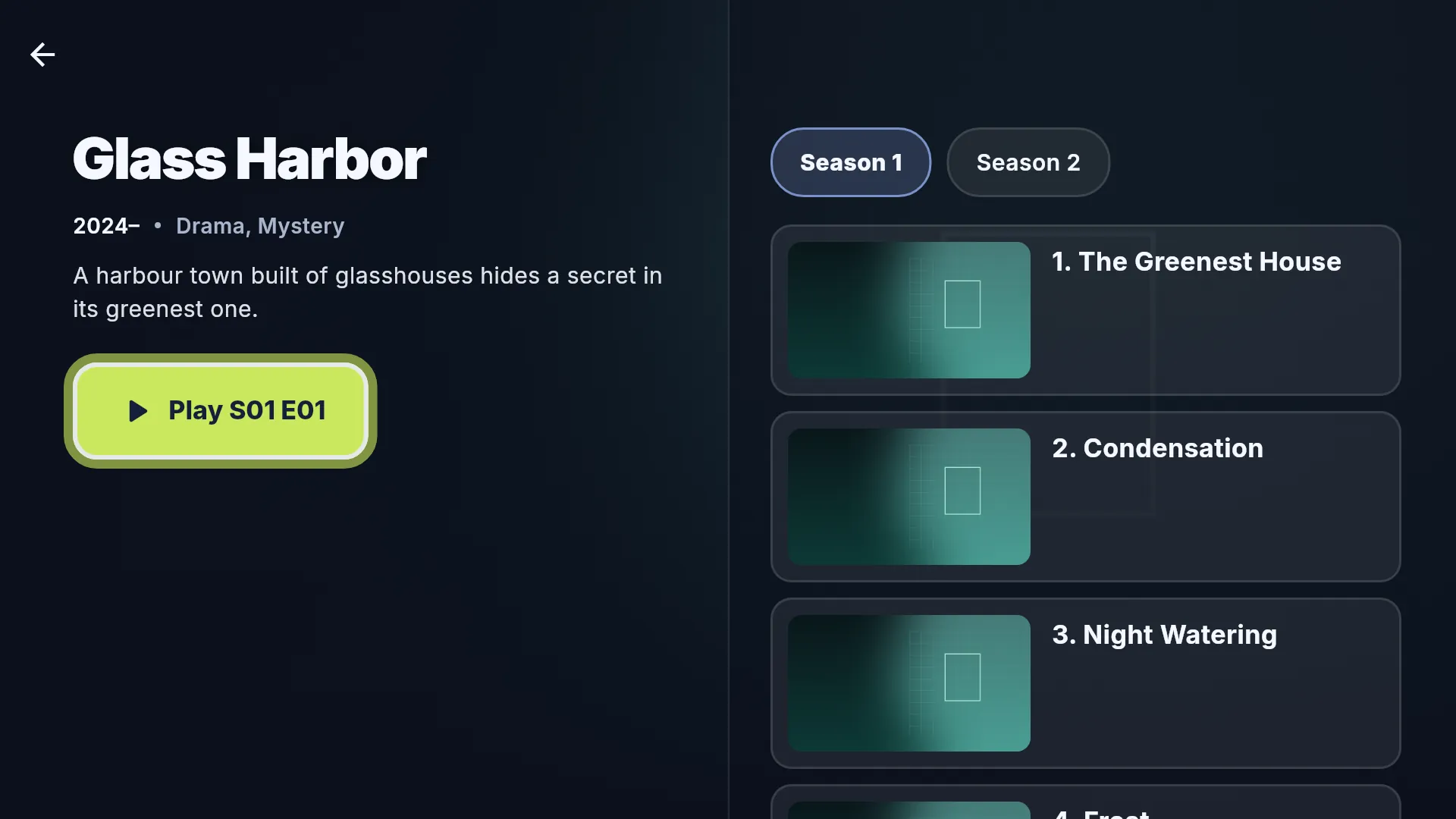
    • Series. Play on the series page carries on after the last episode you watched. Near the end of an episode, a countdown offers the next one.
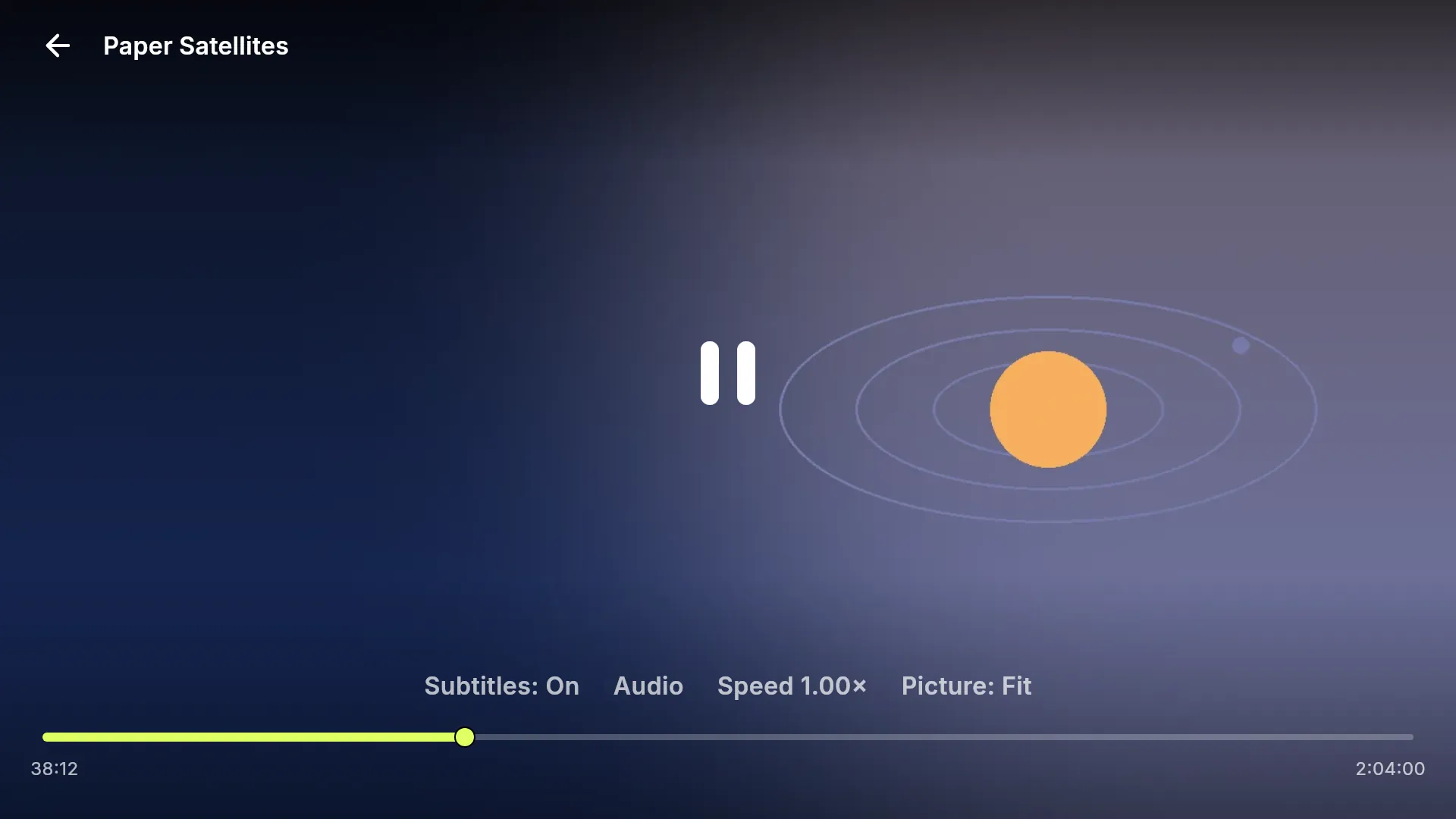
    • In the player. Subtitles, audio tracks, speed and picture size, all from the remote. Back hides the controls first; the next Back asks before you stop.
Typed with the remote, on the app's own keyboard for the D-pad. The code here is an example.

Share

Send the code. That's all.

Whoever types it gets the same addons, with their own history and settings. No account, no invite and none of the app's debrid sign-in travel with it. An addon link with a key inside would, so keep those out of codes you share.
Update

Change it once, for every TV.

Edit the collection in Collection Creator, press Copy export and update the same paste. The code stays the same; TVs pick up the change when they open the collection, or at once with Refresh titles.

Editing a paste needs a free Pastebin login. A new paste works too, but gives you a new code.

Why Linkstreams

Everything between
addon and couch.

Linkstreams brings no catalog of its own. You bring the addons, once. It handles the rest, from finding peers to the next-episode countdown.

Setup

An account takes five steps. A code takes one.

The official Stremio app on a TV wants an account, a phone or PC to link the TV with, and a sync. With Linkstreams, someone builds the collection once. After that, every TV takes 8 characters.

The account way: Stremio on Android TV and Fire TV, as of September 2026. Installing the app is not counted on either side.

The account way

  1. Create an account
  2. Link the TV from a phone or PC
  3. Install the addons there
  4. Sync them to the TV
  5. A friend? Start again

The Linkstreams way

  1. Type the code
That's it.

Share

Share the code, not your password.

A code carries your addon list, not your history, your settings or the app's debrid sign-in. Collection Creator warns you if an addon link has an account key inside.

Engine

Plays while it downloads.

No debrid required. Our own torrent engine fetches pieces in the order you watch, reads about two minutes ahead and re-aims the moment you skip.

See the engine at work

Debrid

Debrid, built in.

Connect Real-Debrid, AllDebrid, Premiumize or Debrid-Link and magnets play through your service instead of the swarm.

Remote

Made for the remote.

Every screen works with a D-pad: a focus ring you can see from the sofa and a keyboard built for arrow keys.

Watching

Picks up where you left off.

Continue watching, resume where you stopped, and the next episode queued with a ten-second countdown. Audio and subtitle languages are remembered.

The engine

It plays while
it downloads.

Linkstreams runs its own BitTorrent engine, written for streaming on TV hardware. It keeps deciding which pieces the player needs next, and never writes video to your storage.

Illustration of how the engine schedules pieces. How fast a stream starts depends on the torrent's peers, your connection and your device.
4
ways to find peers
≈2 min
read ahead of the playhead
60
peers at once on devices with plenty of memory
0 MB
of video written to your storage
Under the hood
  • DHT (BEP 5)
  • UDP trackers (BEP 15)
  • Metadata from peers (BEP 9)
  • Peer exchange (BEP 11)
  • Local peer discovery (BEP 14)
  • Web seeds (BEP 19)
  • Fast extension (BEP 6)
  • Encrypted handshakes (MSE)
  • SHA-1 checks off the main thread
  • Endgame requests
  • Warm start for repeat plays
  • Byte-range server for the player

Optional

Got debrid?
One switch.

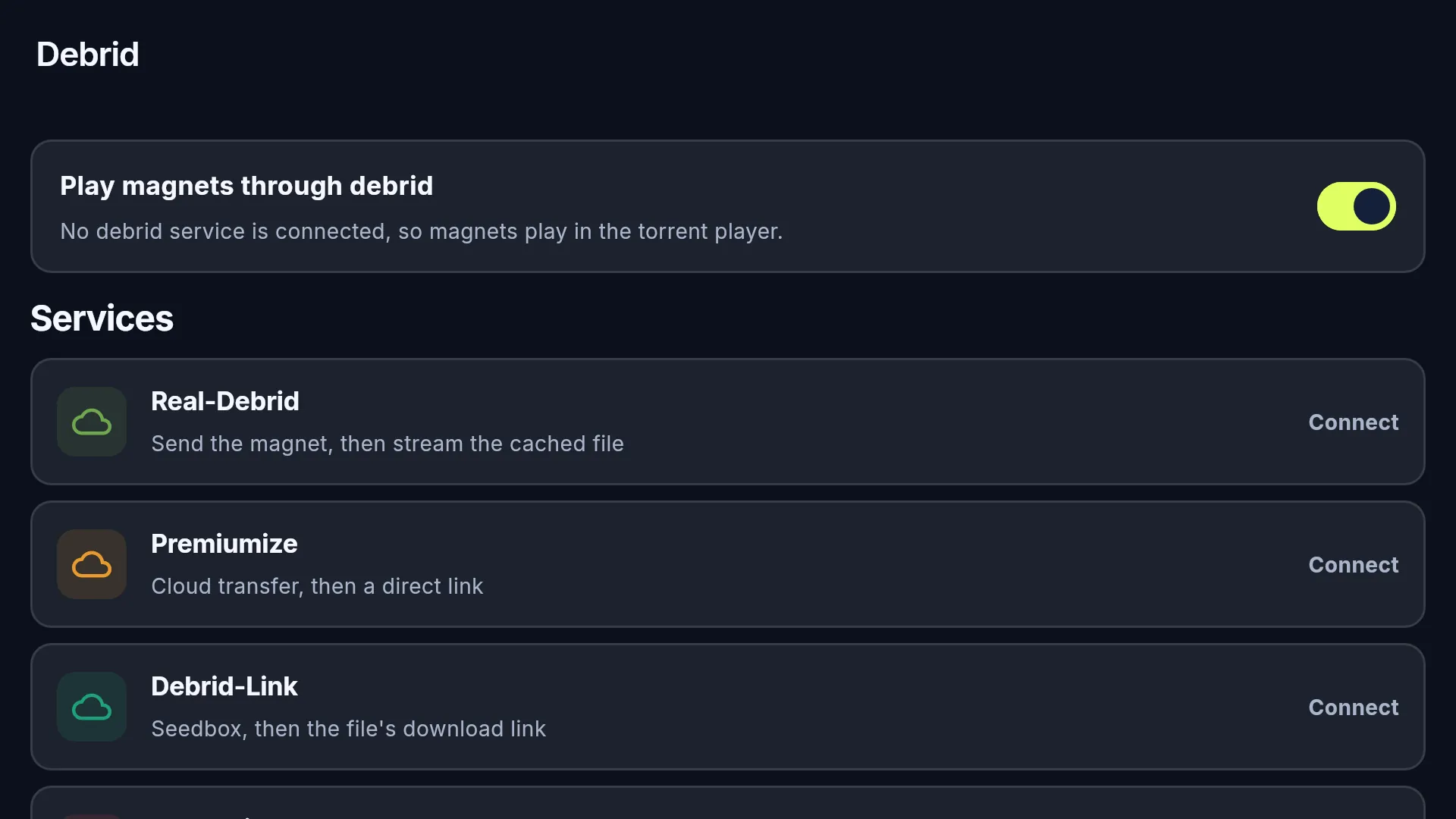
No debrid? Linkstreams plays torrents on its own. With debrid, every magnet can take the other road. Flip the switch: it's the same one you'll find in the app.

Peer to peer. The engine streams straight from the swarm. As with any torrent app, the peers and trackers you connect to can see your IP address.

Through your debrid service. Linkstreams sends the magnet to your service and plays the file it hands back. Already there? It starts right away. Still downloading? You'll see its progress.

The route of a stream: from the addon's magnet link either through the Linkstreams engine and the swarm, or through your debrid service, to the player. Addon Magnet Linkstreamsengine ⇄ peers Your debridservice → HTTPS Player Addon Magnet Linkstreamsengine ⇄ peers Your debridservice → HTTPS Player
  • Real-DebridScan a QR code with your phone
  • AllDebridScan a QR code with your phone
  • PremiumizeSign in with your API key
  • Debrid-LinkSign in with your API key

The debrid key you connect in the app stays on your device and goes only to your debrid service. The app never puts it in a code. An addon link can carry a key of its own; Collection Creator warns you about that before you share a code.

Connect it in three steps

  1. 01

    Open Debrid.

    Press the cloud icon at the top of Your collections.

  2. 02

    Connect your service.

    Real-Debrid and AllDebrid: scan the QR code with your phone. Premiumize and Debrid-Link: paste your API key.

  3. 03

    Flip the switch.

    Turn on Play magnets through debrid. That's it.

More details
  • In the stream list. Streams marked Ready on Real-Debrid come first and start at once. One the service is still downloading shows its progress and turns ready once done. One it has not cached comes after those, and plays once it has it. Streams it will not play are left out; with the fallback to the torrent player allowed, they come last, outlined in red, and play there.
  • If a stream fails, Try another stream moves on. Play with the torrent player is offered only once you turn on Allow fallback to the torrent player under Debrid, because playing peer to peer shares your IP address with the swarm.
  • What your service can tell in advance. Premiumize can be asked about every stream. Real-Debrid, AllDebrid and Debrid-Link no longer let apps ask, so for those, Linkstreams knows the torrents already in your account and what happened when you played a stream before.
  • Your files. Under Your collections, each connected service has a Your files card: what is already in your account, newest first, to play from there. A season opens its episodes in order. Linkstreams only reads the list and adds nothing to your account.
  • Sign-in codes expire after a while; Get a new code gives you another. Every service can also be connected with an API key, under Use an API key.
  • Addons with a debrid key in their link list torrents as links to their own server. Linkstreams reads the torrent out of the link and plays it through the service you connected in the app, never with the key in the link.
  • Debrid services are paid third-party services with their own terms. Linkstreams is not affiliated with any of them.

The app

Sofa-sized.
Screen by screen.

Real screens, rendered from the app's own code. Only the titles and artwork are made up.

Good questions

Before you
press play.

Stuck while setting up? Setup problems cover almost everything that goes wrong.

About Linkstreams

What is Linkstreams?

A TV app that plays torrent streams from Stremio addons. It has no catalog of its own: the addons in your collection supply what you browse and play, and Linkstreams streams it, through its own engine or your debrid service.

How is it different from the Stremio app?

Both use Stremio addons. The official Stremio app needs a Stremio account on Android TV and Fire TV, and you install addons on a phone or PC and sync them to the TV. Linkstreams has no account: your addons arrive as one short code that you type with the remote, and you can hand that code to someone without handing over a login. Debrid is built into Linkstreams; in Stremio it is set up inside the addons. As of September 2026.

Are films or series included?

No. Linkstreams is a player and ships empty. The addons you add supply catalogs and streams, and you're responsible for what you add. The titles and artwork on this page are made up.

Do I need an account?

No. There is no Linkstreams account. Your collections, watch history and settings stay on your device. Only a debrid service, if you use one, has an account of its own.

What does a code share?

Only the collection: its title, its description and the addresses of its addons. Not your watch history, your settings or the debrid sign-in you made in the app. Collection Creator warns you if an addon link carries an account key of its own, because that would travel with the code.

Do I need a debrid service?

No. Torrent streams play peer to peer out of the box. With Real-Debrid, AllDebrid, Premiumize or Debrid-Link connected, the service fetches the torrent and Linkstreams plays the file it provides.

Which streams does Linkstreams play?

Torrent streams: the ones an addon lists with an info hash, and the ones a torrent addon set up with a debrid key lists as links to its own server. Those play through the debrid service you connect in the app, never with the key in the link. Other streams that are only a web address are counted in the list but not played. Links an addon sends to another app, such as a streaming service, open that app.

Can other people see what I stream?

Peer to peer, the trackers and peers involved can see your IP address, as with any BitTorrent app. Through a debrid service, the service downloads the torrent and you stream the file from it. The privacy policy has the details.

Is Linkstreams part of Stremio?

No. Linkstreams is an independent app that reads the Stremio addon format. It is not affiliated with Stremio or with any debrid service.

Setup problems

The app doesn't accept my code

Check the capitals first. The paste has to be Unlisted or public, not private, and it must not have expired. Open pastebin.com/raw/YOUR-CODE in a browser: if you see your text there, the app can read it too.

The collection opens, but it's empty

The paste needs the complete export, unchanged. Copy it again from Collection Creator into a fresh paste. If none of your addons has a catalog, add one that has: the titles come from an addon's catalog.

Collection Creator refuses an addon link

It has to be a public https link to the addon's manifest; a local address or a page that is not the manifest is refused. Some addons have to be configured first: use Open configure page and paste the link it gives you.

A title shows no streams

You need an addon that supplies torrent streams for it. A torrent addon set up with a debrid key needs that debrid service connected in the app; until then its streams are marked Needs Real-Debrid.

Playback doesn't start, or keeps stopping

Usually the torrent has too few peers. Sort by Seeders and pick a bigger one, or press Try another stream. With debrid, a torrent your service doesn't hold yet has to download there first.

The app won't install

Allow unknown apps for the app you install from: Downloader on a TV, your browser on a phone. If an older Linkstreams signed with a different key is installed, uninstall it first.

Debrid sign-in doesn't finish

Sign-in codes expire. Press Get a new code and try again. Premiumize and Debrid-Link sign in with an API key instead.

I changed the paste, but the TV shows the old version

Press Refresh titles on Your collections. Still old? You probably made a new paste instead of editing the first one, and a new paste has a new code.

Free beta

One code
away.

For Fire TV, Android TV and Android. No account needed.

Download APK